PCIe generations explained in one line: each generation roughly doubles the raw signaling rate per lane over the one before it, and backward compatibility means a newer card in an older slot will simply run at the slower speed. The confusing part is that PCIe 5.0 is quoted as 32 GT/s, but the usable bandwidth on a x16 slot is about 504 GB/s, not 512 GB/s, because some of that rate is lost to line encoding. Once you understand the gap between signaling rate and real throughput, the rest of the standard gets much easier to reason about.
This guide walks through the generations from 1.0 to 6.0, the math behind the bandwidth numbers, lane widths, compatibility rules, and what each generation actually changes for the hardware you buy. It is written for engineers specifying systems and for builders who want to stop guessing about slot labels.
Table of Contents
- What Are PCIe Generations, and How Do They Differ?
- How Does PCIe Move Data Between a Host and a Device?
- How Is PCIe Bandwidth Calculated?
- How PCIe Generations Affect Speed and Power
- What Do the Lane Designations x1 Through x16 Mean?
- PCIe Generations Explained by Lane Count
- Are New PCIe Generations Backward Compatible?
- Which PCIe Generation Matters for Common Devices?
- Why Does a PCIe 5.0 Device Feel Slower Than Its Number Suggests?
- How Do PCIe Generations Compare With Other High-Speed Interfaces?
- What Comes After PCIe 6.0?
- Frequently Asked Questions
- What does PCIe stand for, and what is a PCIe generation?
- Is a PCIe 5.0 graphics card compatible with a PCIe 3.0 slot?
- Why is a PCIe card using x4 or x8 lanes instead of x16?
- Can I use a newer PCIe device in an older computer?
- Does PCIe bandwidth equal real-world transfer speed?
- Key Takeaways
What Are PCIe Generations, and How Do They Differ?
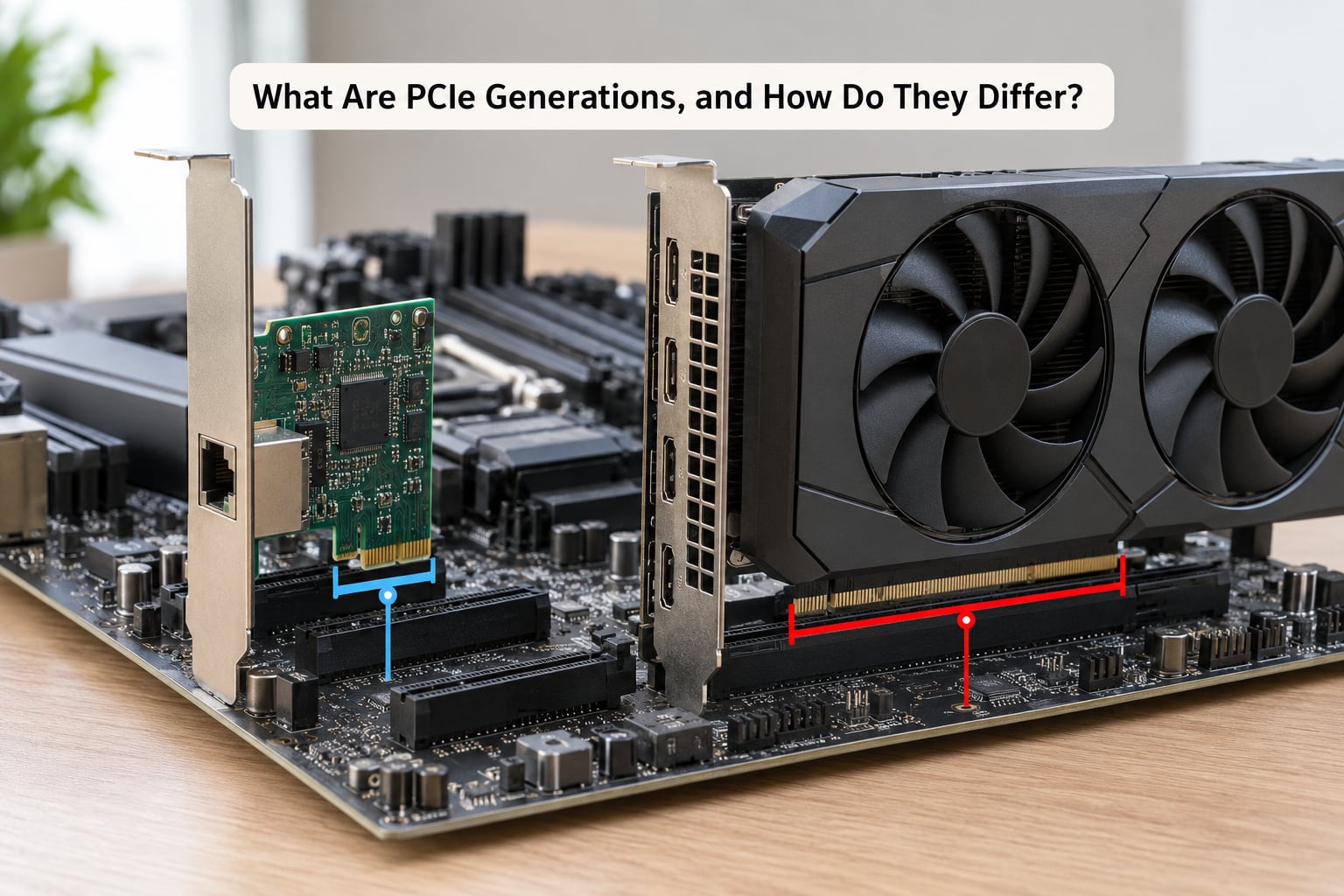
PCI Express is a serial, point-to-point computer interface standard. A serial link means each lane is its own dedicated transmit and receive path, and a point-to-point link means one device connects directly to a host or a switch rather than sharing a shared bus with many other devices.
The generations are numbered 1.0 through 6.0 so far. “Gen 4” and “4.0” refer to the same thing, which is a question that comes up constantly, so it is worth saying plainly: the generation number is the version of the standard, and vendors use both notations interchangeably.
Each generation doubles the signaling rate in gigatransfers per second, but the usable data rate does not double by exactly the same amount because the line encoding scheme changes. That is the single most useful thing to hold on to when comparing generations.
| Generation | Released | Signaling rate per lane | Encoding / modulation | Bandwidth per lane (one direction) | x16 total (one direction) | Typical use |
|---|---|---|---|---|---|---|
| PCIe 1.0 | 2002 | 2.5 GT/s | 8b/10b, NRZ | 2.0 GB/s | 32 GB/s | Legacy expansion, basic I/O |
| PCIe 2.0 | 2007 | 5 GT/s | 8b/10b, NRZ | 4.0 GB/s | 64 GB/s | Older GPUs, 1 GbE, early SSDs |
| PCIe 3.0 | 2010 | 8 GT/s | 128b/130b, NRZ | about 7.88 GB/s | about 126 GB/s | NVMe SSDs, mid-range GPUs, capture |
| PCIe 4.0 | 2017 | 16 GT/s | 128b/130b, NRZ | about 15.75 GB/s | about 252 GB/s | High-end NVMe, GPUs, server NICs |
| PCIe 5.0 | 2019 | 32 GT/s | 128b/130b, NRZ | about 31.5 GB/s | about 504 GB/s | Flagship NVMe, AI accelerators, HPC |
| PCIe 6.0 | 2022 | 64 GT/s | PAM4, FLIT with FEC | about 64 GB/s | about 1.05 TB/s | Data center, AI training fabric, switch silicon |
The important encoding change arrived in PCIe 6.0. Generations 1.0 and 2.0 used 8b/10b encoding, which burned 20 percent of the raw rate on overhead. Generation 3.0 moved to 128b/130b, cutting overhead to roughly 1.5 percent, which is why the jump from 4 GB/s per lane at 5 GT/s to 7.88 GB/s at 8 GT/s looks slightly better than a plain doubling. PCIe 6.0 then switched the signaling itself from NRZ to PAM4 and adopted FLIT mode with lightweight forward error correction, which is how 64 GT/s becomes about 64 GB/s per lane instead of roughly 63 GB/s.
PCIe 7.0 is specified at 128 GT/s per lane. It is not yet a mainstream platform option, so treat any date you hear as a target rather than a schedule.
How Does PCIe Move Data Between a Host and a Device?
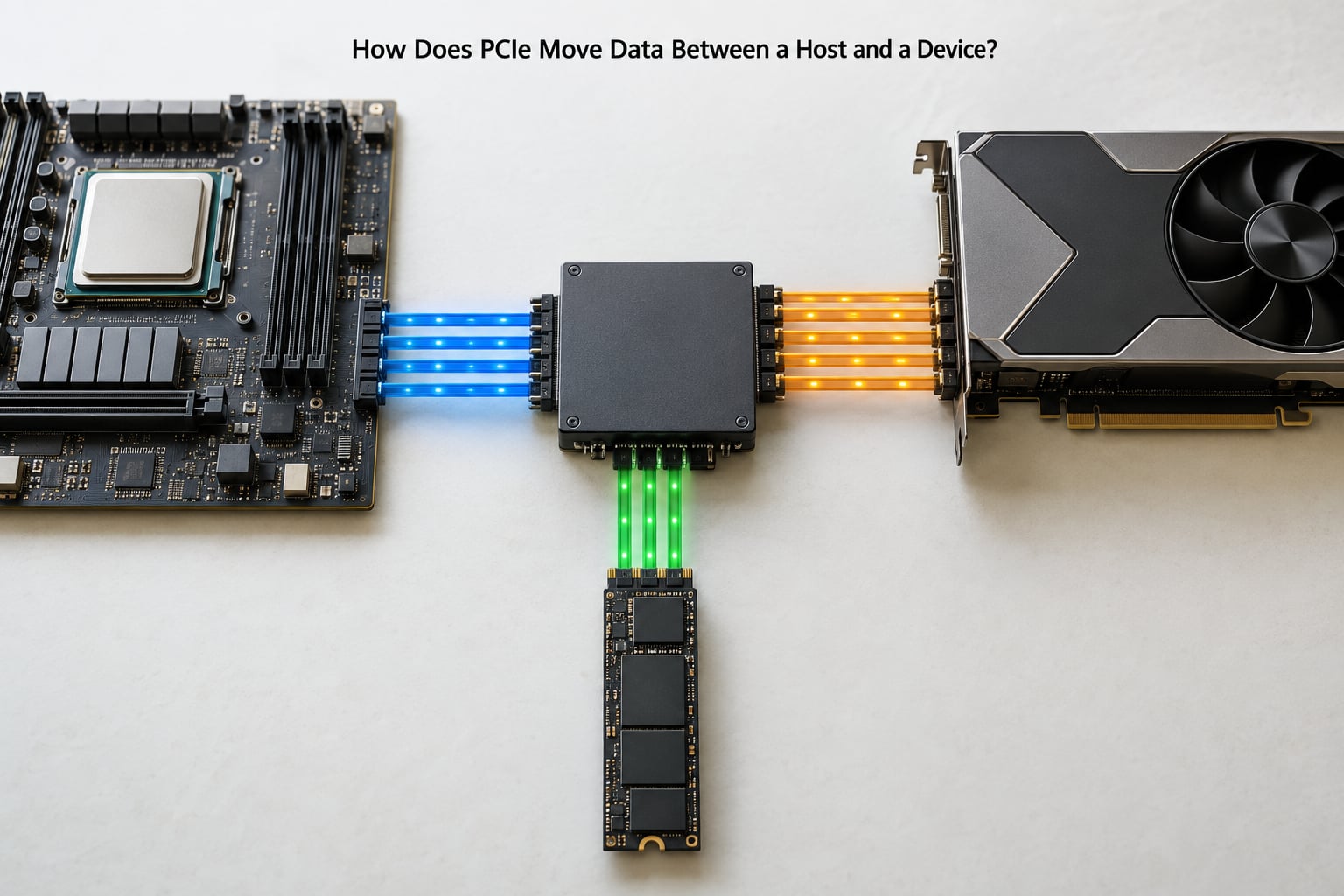
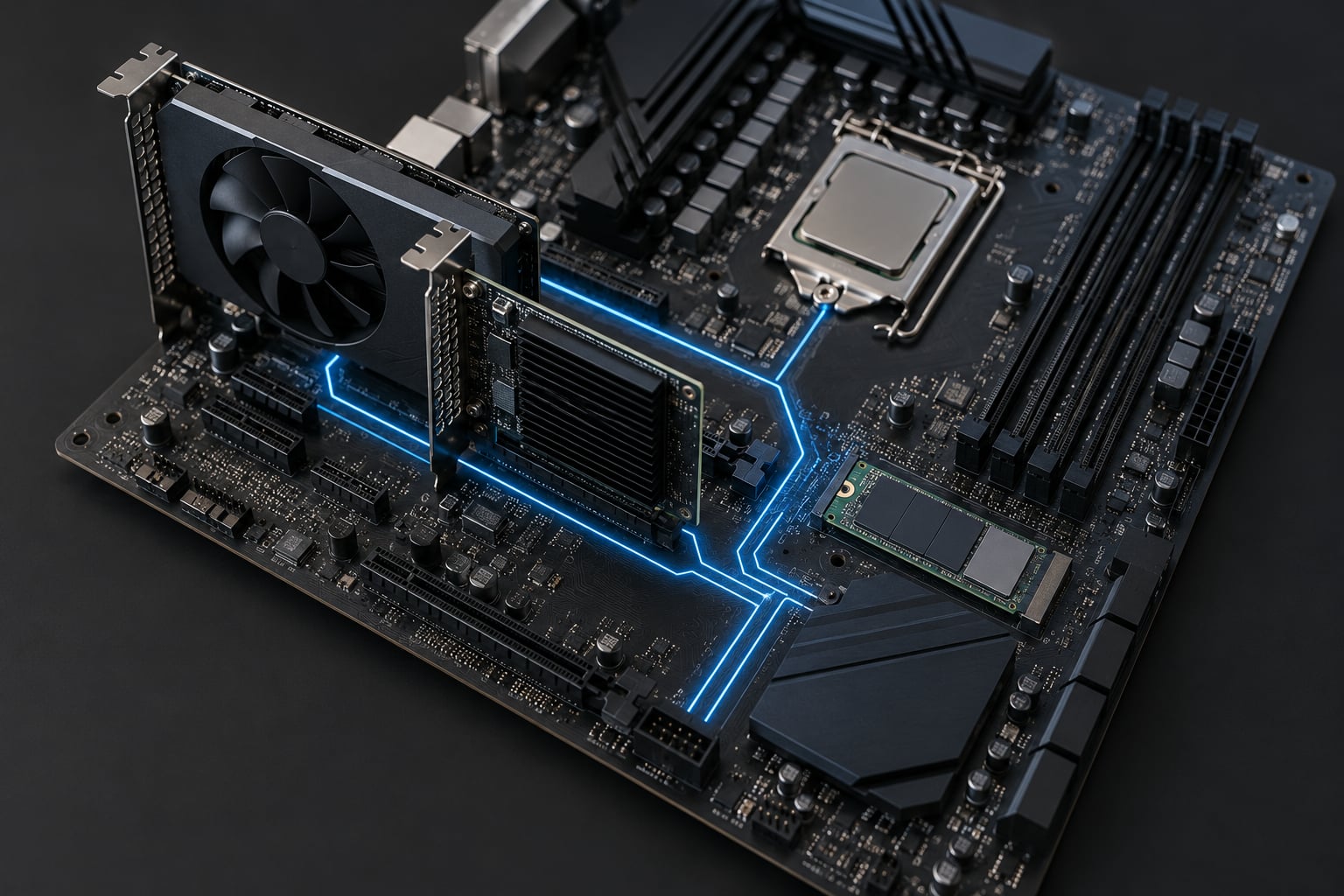
Data leaves the CPU through its integrated root complex, or through a chipset that acts as a root port, and travels over lanes to a switch or directly to the endpoint device. Every device on a PCIe link negotiates its own speed, which is why a modern drive in an old slot does not break, it just runs slower.
A lane carries data in both directions at the same time, which is what full duplex means here. Transfers are broken into packets, and each packet carries a header, a payload, and a CRC that the receiver uses to detect corruption.
Concretely, on PCIe 3.0 an x1 link moves about 7.88 GB/s per direction, an x4 link about 31.5 GB/s per direction, and an x16 link about 126 GB/s per direction. A graphics card that streams textures and return data constantly is a good fit for many lanes, while a single NVMe drive is usually happy with x4.
How Is PCIe Bandwidth Calculated?
Raw bandwidth per lane equals the signaling rate multiplied by the number of bits carried per transfer, minus encoding overhead. In practice the calculation is: transfer rate in GT/s multiplied by efficiency as a decimal, times the number of lanes.
For PCIe 3.0, 8 GT/s times 128 divided by 130 equals about 7.88 GB/s per lane. For PCIe 4.0, 16 GT/s times the same 128/130 ratio gives about 15.75 GB/s. For PCIe 5.0, 32 GT/s gives about 31.5 GB/s. PCIe 2.0 is the awkward one: 5 GT/s times 8/10 equals 4.0 GB/s per lane, so the encoding ate 20 percent of the rate.
Now multiply by lane count. PCIe 4.0 at x4 is about 63 GB/s per direction, and PCIe 5.0 at x16 is about 504 GB/s per direction, or roughly 1 TB/s counting both directions together. Vendors usually quote the one-direction figure, so when you see a headline number check which direction it covers.
Those are ceilings, not promises. Real throughput drops because of protocol overhead, latency, the workload itself, and whatever else the system is doing. A drive that advertises 7,000 MB/s sequential reads will land somewhere below the link limit even on a generous host.
How PCIe Generations Affect Speed and Power
Higher generations raise throughput but also make the physical link harder to run. At 32 GT/s and above, the transmitter has to pre-emphasize the signal, and the receiver has to equalize it, often with techniques such as CTLE and DFE. Trace loss on the board matters more, and a link that fails to train reliably will fall back to a lower speed or fewer lanes rather than report an error.
Power draw at the connector climbs with generation, which is why a PCIe 5.0 slot can deliver several times the power of a PCIe 3.0 slot for the same lane count. Cooling for the drive or card in that slot moves from optional to necessary on high-end parts. None of this changes latency meaningfully, though. A faster link moves the same fixed-size packet in less time; it does not make the round trip to the device shorter.
What Do the Lane Designations x1 Through x16 Mean?
The x number is how many lanes the link uses, not a speed rating. x16 is not faster than x4 because of the number, it is faster because it has four times as many paths at whatever generation the link negotiated.
Lane counts are powers of two, and connectors come in matching sizes. A mechanical x16 slot accepts an x1, x4, or x8 card, though the card will only be able to use the lanes it actually has contacts for unless you enable bifurcation in firmware. A longer card in a shorter slot may physically block other slots on the board, so check the board layout rather than assuming it will fit cleanly.
PCIe Generations Explained by Lane Count
Two variables multiply, and mixing them up is how people end up with wrong expectations. On PCIe 4.0, an x1 link is about 15.75 GB/s, an x4 link about 63 GB/s, and an x16 link about 252 GB/s. On PCIe 3.0 the same three widths give about 7.88, 31.5, and 126 GB/s.
For devices in practice: a 2.5 GbE controller is comfortable on x1 even at PCIe 3.0, while a 10 GbE card is usually fitted at x4. A capture or audio card often runs at x4 with plenty to spare. A flagship NVMe drive is normally x4, which is why an x4 slot at PCIe 5.0 is not a downgrade, and why a top-end GPU is usually the only consumer device that genuinely wants x16.
Are New PCIe Generations Backward Compatible?
Yes. A PCIe 5.0 card in a PCIe 3.0 slot works, and it will negotiate down to the PCIe 3.0 rate with the narrower of the two lane widths. Forward compatibility works the same way: an older card in a newer slot runs at the older generation.
There are limits worth knowing. The physical connector has to match, power delivery at the slot has to cover what the card draws, and the lane count is capped by whichever side has fewer lanes. A card that expects 16 lanes in a slot wired for eight will link at x8 unless the board supports bifurcation. Adapters work too, though an external enclosure adds a controller in the path and that controller’s own generation becomes part of the equation.
That last point is why a PCIe 5.0 drive in a USB4 enclosure rarely hits its native speed. The link is only as fast as the slowest element in the chain.
Which PCIe Generation Matters for Common Devices?
For most consumer hardware the honest answer is that PCIe 4.0 is enough, and the reason is that the device controller is usually the limit before the bus is. A PCIe 4.0 x4 drive tops out around 7,000 MB/s, and a PCIe 3.0 x4 link caps that at roughly 3,500 MB/s, so the generation matters there. A modern GPU is a different story, because the card pulls hundreds of gigabytes per second and can be constrained by a narrower link in specific workloads rather than in frame rate.
| Device | Common lane width | Generation that matters | What you actually notice |
|---|---|---|---|
| NVMe SSD | x4 | 3.0 to 5.0 | Large file transfers and video editing timelines; a measurable difference |
| External NVMe enclosure | x4 behind a bridge | 4.0 and up | Limited by the bridge chip as much as the drive |
| Graphics card | x16 | 3.0 and up | Little effect on frame rate in most games; matters in compute and texture-heavy work |
| 10 GbE network card | x4 | 3.0 and up | Full 10 GbE line rate with headroom on PCIe 3.0 x4 |
| Capture and audio cards | x1 to x4 | 2.0 and up | Plenty of headroom; generation is rarely the constraint |
| USB and Thunderbolt adapters | x2 to x4 | Depends on the bridge | The adapter’s internal controller sets the real ceiling |
Builders on forums report the same pattern repeatedly: gaming frame rates barely move between PCIe 3.0 and 4.0, while storage workflows show real differences. The bottleneck in many builds is elsewhere entirely, whether that is the CPU, memory, or driver.
Why Does a PCIe 5.0 Device Feel Slower Than Its Number Suggests?
Usually because the negotiated link is not the one you assumed. A drive fitted in an M.2 slot wired for PCIe 3.0 will sit at half rate no matter how fast the drive itself is, and this is common on boards where the primary M.2 slot and the secondary slot come off different controllers.
Other causes show up regularly. A CPU with a limited number of lanes may share x4 between an M.2 slot and a network card, so adding a drive steals bandwidth from another device. Older platforms simply do not negotiate 5.0. Thermal throttling on high-power drives can cut sustained throughput well below the sequential headline figure. Protocol overhead, filesystem fragmentation, and workloads that do not saturate the link all shave the result.
To check what you actually have, look at your motherboard manual for the lane count and generation of the specific slot, then confirm in software. On Windows, Device Manager, the properties of the device, and the details tab show the negotiated link speed. On Linux, lspci prints the link status and the negotiated speed per lane, and CPU-Z lists the host bridge. Most BIOSes also show the detected link under hardware or system information after POST.
How Do PCIe Generations Compare With Other High-Speed Interfaces?
PCIe dominates internal expansion because it is fast, low latency, and lives on the board itself. The external interfaces trade some of that for the convenience of a cable. None of them replaces PCIe outright; they cover different distances and device classes.
| Interface | Typical bandwidth | Topology | Distance | Best suited to |
|---|---|---|---|---|
| PCIe 5.0 x16 | about 504 GB/s per direction | Point-to-point, on-board | Centimeters | GPUs, NVMe, accelerators |
| USB4 (20 and 40 Gbps) | about 2.5 to 5 GB/s | Host-controlled with device switching | About 2 m | External storage, docks, displays |
| Thunderbolt 4 | about 5 GB/s (40 Gbps) | Peer-to-peer daisy chain | About 2 m per hop | Multi-display, external enclosures |
| DisplayPort / HDMI | about 4 to 10 GB/s depending on version | Point-to-point, video only | A few meters | Displays |
| 10 GbE | 1.25 GB/s | Switched network | 100 m per segment | NAS, servers, shared storage |
Note the gap in scale. One x16 PCIe 5.0 link moves about 400 times what a single 10 GbE line delivers, which is why PCIe keeps winning for anything that stays inside a chassis.
What Comes After PCIe 6.0?
PCIe 7.0 is the next generation, and the committed specification target is 128 GT/s per lane. It continues with PAM4 rather than returning to a simpler NRZ signal, and the signaling, connector, and retimer ecosystem is still being built out around it.
Treat availability as unsettled. The specification work and the target bandwidth are firm, but the practical arrival in mainstream platforms, adapters, and connectors depends on silicon readiness, signal integrity work over longer traces, and power delivery. Anyone promising a specific ship date is speculating. For system planning, PCIe 5.0 is the current high-water mark, and PCIe 6.0 is worth watching for data center and AI fabrics rather than consumer desktops.
Frequently Asked Questions
What does PCIe stand for, and what is a PCIe generation?
PCI Express, usually shortened to PCIe, is a high-speed serial computer interface used to connect graphics cards, NVMe SSDs, network cards, and capture hardware to a system. A PCIe generation is a version of that standard. Each new generation roughly doubles the signaling rate per lane, so the phrase PCIe generations explained really comes down to comparing those rates, the bandwidth they produce after encoding overhead, and how the generations stay compatible with each other.
Is a PCIe 5.0 graphics card compatible with a PCIe 3.0 slot?
Yes, it will run. A PCIe 5.0 card in a PCIe 3.0 slot negotiates down to the PCIe 3.0 signaling rate, and it also uses the lower of the two lane widths, so a x16 card in a x16 slot still gets x16 lanes but at 8 GT/s rather than 32 GT/s. For gaming this usually has little effect on frame rate, though bandwidth-heavy compute and texture streaming can lose performance.
Why is a PCIe card using x4 or x8 lanes instead of x16?
The link always uses the smaller of what the card offers and what the slot provides. Motherboards frequently wire secondary slots for x4 or x8, and some M.2 sockets share lanes with a chipset or a network controller. If the card has contacts for more lanes than the slot provides, it links at the lower width unless bifurcation is enabled in firmware. Check the board manual for the slot’s lane count before assuming x16.
Can I use a newer PCIe device in an older computer?
Usually yes, as long as the connector matches and the slot supplies enough power. Older platforms will simply negotiate the older generation, so a PCIe 5.0 NVMe drive in a PCIe 3.0 M.2 slot works and runs at roughly half its peak throughput. The exceptions are unusual physical formats, slots that lack the power the device needs, and platforms whose firmware has no support for the device at all.
Does PCIe bandwidth equal real-world transfer speed?
No. Bandwidth figures are theoretical ceilings after encoding overhead but before protocol overhead, latency, and workload behavior. A drive rated for 7,000 MB/s on a PCIe 4.0 x4 link with about 63 GB/s of theoretical bandwidth will still land below that in practice. When a comparison leaves a gap, the cause is usually the device controller, the workload, or a bottleneck elsewhere in the system rather than the bus itself.
Key Takeaways
Check five things before you buy: what the device controller can actually sustain, what generation the specific slot supports, how many lanes are available after other devices take their share, where that slot sits in the platform topology, and what your workload realistically needs. Start with PCIe generations explained by the device you care about, not by the marketing number on the box.
The generation sets the ceiling, not the result. Most people are limited by a controller, a lane share, or a workload that never fills the link, and those are the things worth verifying first.