Arm and x86 are two different processor instruction set architectures, and the practical arm vs x86 architecture differences come down to how each one executes instructions. Arm designs lean on compact, regular instructions that decode quickly and waste little power; x86 keeps a large, variable-length instruction set that has to be broken into simpler internal operations before execution. Neither label wins outright — a well-built Arm chip can outrun a given x86 part, and a strong x86 chip can beat a weak Arm design. What actually decides it is the software you need to run, your power budget, and the workload in front of you.
The RISC versus CISC framing you find in most explainers is a useful starting point, but it has aged badly. Both families now ship wide out-of-order cores with deep pipelines, large caches and vector units. If you take the labels too literally you will predict the wrong winner more often than not, which is exactly the mistake engineers make when they compare two chips on core count and clock speed alone.
Below is the technical comparison, followed by a decision framework you can run a candidate processor through. Where I make claims about performance I keep them workload-specific, because a bare architecture label tells you very little on its own.
Table of Contents
- arm vs x86 Architecture Differences at a Glance
- What Are ARM and x86 Processor Architectures?
- Arm: a published spec plus a licensable core
- x86: a narrower set of owners
- Why both labels now describe complex cores
- Where the split still shows
- Instruction Sets and Execution Models
- Why arm vs x86 architecture differences matter to compilers
- How x86 decode works, and what micro-ops are
- Registers and the load-store model
- Code density and its cost
- Compatibility consequences
- Performance and Workload Differences
- Clock speed, instructions per cycle and single-thread work
- Core counts and multi-thread scaling
- SIMD and vector extensions: NEON, AVX, AVX-512, SVE2
- Memory, cache and branch prediction
- Power Efficiency and Thermal Constraints
- Software Ecosystem and Developer Compatibility
- Operating systems and kernels
- Memory ordering models and low-level code
- Virtualization, containers and multi-arch builds
- Security extensions and debugging tools
- Flexibility, Licensing, and Product Design Control
- ARM or x86: Differences by Use Case
- Which Should You Choose?
- Frequently Asked Questions
- Is ARM faster than x86?
- Is x86 more power efficient than ARM?
- Can ARM run Windows and desktop software?
- Why do some ARM processors outperform some x86 processors?
- Which architecture is better for servers?
- Is ARM or x86 easier to program?
- Conclusion
arm vs x86 Architecture Differences at a Glance
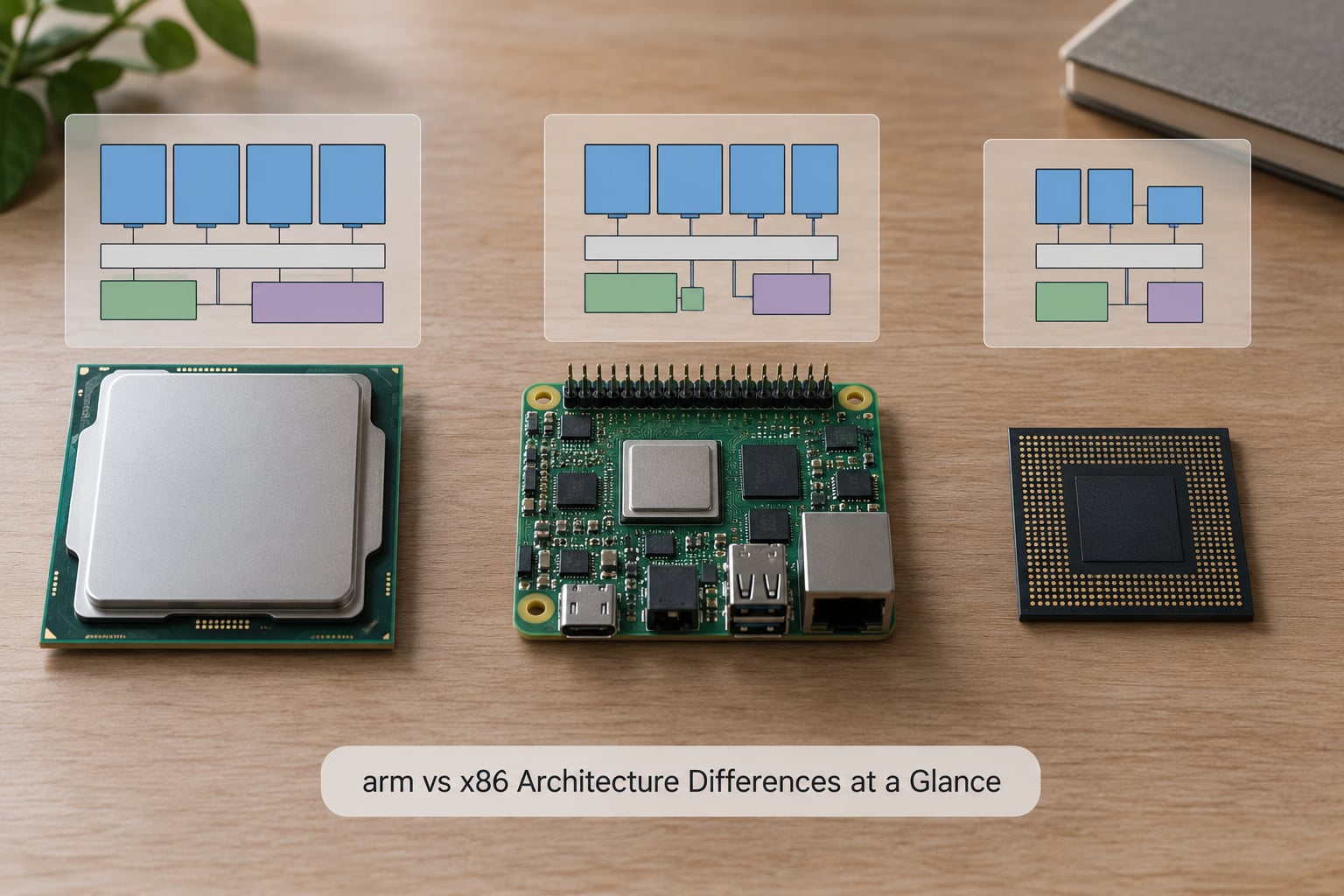
The table below covers the criteria that actually drive an architecture decision. Read the bottom rows first if you are short on time — software support and licensing decide most projects before silicon performance is even discussed.
| Criterion | Arm | x86 |
|---|---|---|
| Instruction set philosophy | Reduced instruction set, load-store architecture, regular encodings | Complex instruction set, memory-operand instructions, variable-length encodings |
| Instruction length | Predominantly fixed 32-bit, with 64-bit forms in A64 | 1 to 15 bytes, decoded into internal micro-operations |
| General-purpose registers | 31 writable registers in A64 (X0 to X30), all interchangeable | 16 architectural integer registers, with some special-case roles |
| Decode path | Straightforward alignment-friendly decode, often wide | Complex length-decoding plus micro-operation cache |
| Memory ordering model | Weak by default in AArch64 Linux, barriers where needed | Strong total store order by default |
| SIMD baseline | NEON Advanced SIMD, mandatory in A64 | SSE2 baseline on x86-64, AVX and AVX-512 as opt-in extensions |
| Scalable vector unit | SVE2 with vector-length agnostic code | AVX-512, fixed 512-bit registers |
| Hypervisor support | Stage 2 virtualization in EL2 | VMX hardware virtualization, AMD-V equivalent |
| Security extensions | PAC, MTE, TrustZone | CET shadow stack and indirect branch tracking, SGX, SEV |
| Typical efficiency strength | High performance per watt across phone, laptop and server parts | Strong absolute performance, mature density at high core counts |
| License and supplier model | Architecture licensed to many chip vendors who build their own cores | ISA owned by two companies; a small set of x86 CPU suppliers |
| Legacy binary support | None natively, translation layers needed | Decades of backward compatibility built into the ISA |
| Operating system reach | Android, Linux, RTOS, Windows on Arm, macOS | Windows, Linux, DOS lineage, most legacy enterprise software |
| Strongest fit | Mobile, embedded, edge, laptops, hyperscale cloud services | Desktops, workstations, gaming PCs, legacy-heavy servers |
Two rows in that table get skipped over more than they should. The memory ordering row decides whether concurrent code is easy or subtly dangerous to write. The licensing row decides whether you can build your own core at all, which is the difference between a product line and a commodity.
What Are ARM and x86 Processor Architectures?
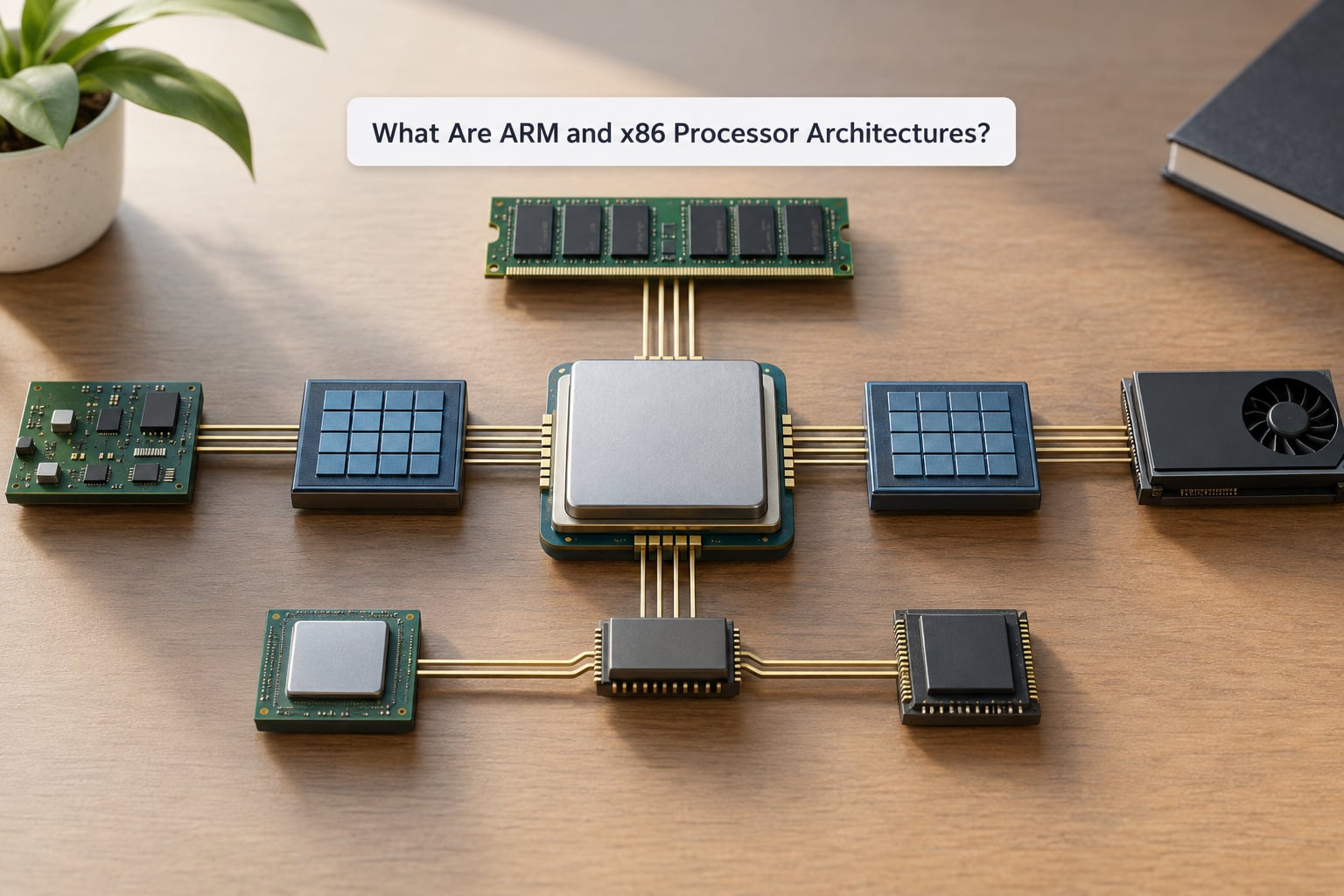
An instruction set architecture, or ISA, is the contract between software and silicon: it defines which instructions exist, which registers they can touch, and what each one means. Software compiled for one ISA cannot run on another without translation, which is why the ISA choice is a decision you make once and live with for years.
The ISA is not the chip. Both families are best understood as a set of specifications plus a design library, with several vendors building very different processors on top of the same contract. That distinction matters more than most comparisons admit.
Arm: a published spec plus a licensable core
Arm Holdings publishes the Arm architecture reference manual and licenses designs based on it. A license holder can take a CPU core as it is built, modify it, or start from the instruction set alone and design every pipeline stage themselves. That spread is why an Arm core in a smartwatch, a phone, a laptop and a server cloud instance can behave so differently while all running Arm code.
x86: a narrower set of owners
The x86 instruction set is owned by Intel and licensed to AMD, with via licensing reaching a handful of others. You will realistically choose between chips from two vendors that both build heavily modified out-of-order designs on a shared ISA. That is a very different relationship from the Arm model, where the same instruction set can sit in dozens of unrelated chips.
Why both labels now describe complex cores
Early RISC and CISC processors were simple by necessity. Today both families implement speculative out-of-order execution, deep pipelines, multiple issue and large vector units. Modern Arm cores decode four instructions per cycle on high-end parts, and modern x86 cores are not restricted to the naive “one complex instruction per cycle” picture that still circulates online.
Where the split still shows
The philosophy survives in three practical places: instruction encoding and decode cost, the memory ordering contract handed to software, and the licensing structure. Everything else — pipeline depth, cache sizes, core counts, vector widths — is design work done by competing engineers, and both sides do it well.
Instruction Sets and Execution Models
This is where the architecture difference is most concrete. Arm uses mostly fixed-width instructions, x86 uses variable-length ones, and that single design choice ripples outward into decode hardware, code density, power draw and what compilers are comfortable doing.
Why arm vs x86 architecture differences matter to compilers
An A64 instruction is a clean 32-bit box. The decoder can read four of them in parallel from aligned addresses with almost no bookkeeping, because every instruction is the same width. On x86, a decoder has to look at a leading opcode byte, decide how long the instruction is, pull in the ModRM and displacement bytes, then hand the result on.
That cost is not fatal. x86 micro-operations and an operations cache absorb a lot of it. But it is real work that draws power every cycle, which is part of why Arm designs tend to hit better performance per watt at a given process node and floorplan.
How x86 decode works, and what micro-ops are
Because so many x86 instructions behave oddly in hardware, modern implementations translate each incoming instruction into one or more simpler internal operations called micro-ops, and schedule those instead. A single complex x86 instruction can expand into a load, an arithmetic operation, a store and a branch fixup. A simple register-to-register move usually stays as one micro-op.
Front ends handle this two ways. Some fetch raw bytes and decode on the fly. Others stream decoded micro-ops past short loops and branches into an operations cache, replaying them without touching the length decoder again. That cache is why tight loops with a handful of x86 instructions often run close to their theoretical issue rate.
Registers and the load-store model
Arm uses a strict load-store architecture: arithmetic instructions operate on registers, and memory is reached only through explicit load and store instructions. That keeps the instruction set regular and the pipeline simpler to reason about, and it is why the 31 writable general-purpose registers in A64 are so useful to a compiler.
x86 allows instructions that read and write memory as part of the operation, which was a big win for 1980s compilers with tiny code and little memory bandwidth. Modern x86 has 16 architectural integer registers, so modern implementations add internal registers through register renaming and keep the rest in a reorder buffer.
Code density and its cost
Variable-length instructions usually win on code density, which matters for instruction cache footprint and for battery-powered devices where silicon area is precious. Arm has answered with Thumb encoding, where many common instructions compress to 16 bits, so the gap is much narrower than it was a decade ago. Compact code is a real benefit, not a decisive one.
Compatibility consequences
Fixed-width and regular encodings are far easier for a CPU to decode in parallel, which matters most on wide, power-hungry front ends. On the other hand, regular encodings do not force an implementer into any particular behaviour — nothing in A64 encoding prevents wide issue or deep speculation. It simply leaves the design free, which is part of why the same Arm ISA spans a 5 milliamp microcontroller and a multi-core server chip.
Performance and Workload Differences
Architecture alone does not determine performance. A slow modern x86 part will lose to a fast Arm part in a specific test, and the same two parts can reverse on the next benchmark. What determines performance is clock speed, instructions per cycle, cache and memory behaviour, vector width, and how well the design fits your workload.
Clock speed, instructions per cycle and single-thread work
Both families now run deeply pipelined out-of-order cores, so the old “RISC pipelines are simple, CISC pipelines are complicated” argument no longer predicts anything. Instructions per cycle is the number that matters, and modern implementations on both sides reach well above four when the code and cache cooperate.
Single-thread performance usually tracks sustained frequency and cache behaviour more than architecture. Arm designs in thin, thermally limited bodies routinely hold higher sustained clocks because the package can shed heat faster. That is a chassis decision as much as a silicon one.
Core counts and multi-thread scaling
x86 has the higher ceiling on raw core count in a single socket, and it has been the default target for HPC systems and dense database servers for decades. Arm server parts have closed the gap and then some in horizontally scaled cloud workloads, where each machine runs a slice of independent requests.
The practical difference for most teams is not the maximum core count but whether your software scales across cores at all. A container service that fans out cleanly behaves almost identically on both. A single licensed database instance with a thread bottleneck does not.
SIMD and vector extensions: NEON, AVX, AVX-512, SVE2
Both families have mandatory baseline SIMD — NEON Advanced SIMD on A64, SSE2 on x86-64 — so a compiler can vectorize ordinary code on either without checking for extensions. Above that baseline the paths diverge sharply, and this is one of the biggest arm vs x86 architecture differences for performance engineers.
| Extension | Family | Register width | Notes |
|---|---|---|---|
| NEON Advanced SIMD | Arm | 128-bit | Mandatory in A64, always available to the compiler |
| SVE2 | Arm | 128 to 2048 bits | Vector-length agnostic, one binary runs across core widths |
| AVX2 | x86 | 256-bit | Widely deployed, good coverage in current compilers |
| AVX-512 | x86 | 512-bit | Fixed width, needs explicit compiler flags and hardware support |
SVE2 is the more interesting engineering story because the vector length is a property of the core, not the binary. A compiler emits length-agnostic code once and the hardware adapts. On x86, going wider means a new instruction set, a runtime check and a dispatch table.
Memory, cache and branch prediction
Both families ship large shared caches and deep prefetchers, so the wins here come from design quality rather than architecture. Branch prediction is a good example: predictors are deep and highly speculative on both sides, and a mispredict costs roughly the same on each.
Memory subsystem design can still separate them. A part with more bandwidth per core or a better interconnect will beat a wider design on data-heavy work. This is why reading the memory controller specification tells you more than reading the ISA name.
Power Efficiency and Thermal Constraints
Arm designs usually reach higher performance per watt, and the gap is largest in mobile and embedded systems. In a phone or a thin laptop, that difference turns into battery life or fan noise rather than into a benchmark score. In a rack, it becomes how many machines you can fit on a power feed.
The reason is structural, not a trick. Regular encodings mean less decode work per instruction, and a simpler, more predictable pipeline can reach useful performance at lower voltage. Voltage is the expensive part of power on modern silicon, so anything that lets a core run at a lower voltage for the same throughput pays off directly in watts and heat.
x86 parts have closed much of this gap by adopting the same techniques — hardware prefetch, aggressive power gating, split clock and power domains, and large shared caches that let cores sleep longer. Vendors also use dynamic voltage and frequency scaling aggressively on both sides. Any modern x86 server part idles at a small fraction of its load power, so idle consumption claims should be treated with the same suspicion on both architectures.
One real trap: efficiency varies more between designs within a family than it does between the families. Comparing a modern Arm part against a decade-old x86 part produces a dramatic efficiency number that tells you about the years, not the architectures.
Software Ecosystem and Developer Compatibility
For most projects this is where the decision is actually made. Silicon that runs your workload 20 percent faster is worthless if you cannot install the driver, the plugin or the closed-source binary you depend on.
Operating systems and kernels
Windows, Linux, macOS, Android, FreeRTOS and most real-time operating systems are strong on both. The difference is coverage of the long tail. Windows on Arm has good support for native applications and increasingly good support through emulation, but a decade of x86 drivers and plug-ins simply do not exist for it. Server fleets running Windows Server on Arm are a real deployment, but a smaller one.
Memory ordering models and low-level code
This is the difference that bites systems programmers, and almost no general explainer covers it. x86 offers total store order: every core sees writes in the same order, so plain stores need no special handling. AArch64 exposes a weak model by default, where stores from different cores can become visible out of order, and the programmer or compiler must emit acquire and release barriers where that ordering matters.
Correct code written for one model can be subtly wrong on the other. Threading libraries and atomic operations are written carefully for this, but hand-rolled lock-free code, custom allocators and JITs are exactly where it surfaces. Rust developers working on r/rust and C++ developers on r/cpp have long argued about which default is safer to reason about — the honest answer is that the x86 default hides a requirement, while the Arm default states it.
Virtualization, containers and multi-arch builds
Both families have hardware virtualization support and both run Kubernetes happily. Containers are compiled binaries, though, so an image built for one architecture does not run on the other. Teams moving server fleets to Arm have to publish multi-architecture images or rebuild, and any dependency pulled from a registry that only ships one architecture is a blocker.
Emulation layers such as Rosetta 2 on macOS and Prism on Windows on Arm smooth over gaps, and performance for code that translates well is respectable. They are not a substitute for native builds in sustained server workloads, where translation cost and unsupported instructions show up in latency.
Security extensions and debugging tools
Both architectures now have solid hardware security features. Arm offers pointer authentication codes, the memory tagging extension, and TrustZone for isolating secure and normal worlds. x86 has control-flow enforcement technology with shadow stacks and indirect branch tracking, alongside enclave technologies such as SGX and SEV. If your security model depends on one specific feature, check that it exists in the exact part you plan to buy.
Debugging and profiling are broadly equivalent for mainstream stacks on both, with one exception worth naming. Profiling tools built around x86 performance counters are more mature, because x86 has held a larger server footprint for longer. On Arm the counters are usually present and usually sufficient; the tooling around them is simply younger.
Flexibility, Licensing, and Product Design Control
The biggest structural difference between the two families is not technical at all. Arm publishes a specification and licenses it; x86 has two owners and a short list of suppliers. That shapes who can build what, and it is why custom silicon strategy looks completely different depending on which side you are on.
For a company designing an SoC, an Arm license can mean anything from licensing a CPU core largely as delivered to writing your own implementation of the instruction set. You can add domain-specific accelerators, custom interconnect, specialised memory controllers and mixed-core designs, then ship a part nobody else has. The licence terms and royalties scale with the design and its reach, so a small custom chip and a hyperscale server part are very different commercial conversations.
x86 offers no comparable path. The ISA is fixed and licensed for production, the vendor list is short, and the two major suppliers build their own cores with their own process roadmaps. What you get is excellent hardware and healthy competition, but no option to shape the CPU itself.
For software teams this shows up indirectly. Arm’s licensing model creates more silicon diversity, which creates more targets for cross-compilation and emulation work. x86 concentrates hardware in fewer hands, which makes testing easier and tooling sharper. Pick the model that matches what your team actually has to do.
ARM or x86: Differences by Use Case
The table maps the common cases. Requirements override the general rule every time, so treat it as a starting point rather than a verdict.
| Use case | Common advantage | What to verify first |
|---|---|---|
| Smartphones and tablets | Arm, by a wide margin | Modem, ISP and vendor support on the exact part |
| Embedded and IoT | Arm, or a smaller RISC family | Peripheral set, toolchain, long-term supply |
| Automotive and industrial | Arm | Functional safety certification and lifecycle |
| Thin laptops | Arm for battery, x86 for compatibility | Native builds for your line-of-business software |
| Gaming desktops and consoles | x86, for driver and anti-cheat support | Per-title validation on the platform you ship |
| Content creation workstations | x86, for plug-in support | Codec, GPU and accelerator certification |
| Horizontally scaled cloud services | Arm, for cost per request | Multi-arch images and dependency support |
| Licensed-software servers | x86, for per-seat and agent support | Vendor certification list for your product |
| Database servers | Usually x86 for core count | Peak single-socket cores and memory channels |
| AI inference at the edge | Arm, for efficiency | Accelerator support in your runtime |
| Custom SoC under your control | Arm, by design | Licence terms, royalties, verification effort |
Cloud operators running horizontally scaled services on Arm-based instances commonly report double-digit cost reductions for workloads that port cleanly, which matches the efficiency story rather than contradicting it. For game platforms and licensed enterprise software, the compatibility filter still points the other way, because x86 has a longer institutional history.
Which Should You Choose?
Run any candidate part through these seven checks before you read a single benchmark. The first two usually decide the outcome on their own.
- List the software that must run natively. Write it down, including drivers, plug-ins, agents and licensed products. Anything without a native build and without an emulation path is disqualifying.
- Set a power budget in watts, not a battery-life adjective. Convert it into a thermal envelope. If the chassis cannot cool the part continuously, peak performance is irrelevant.
- Pick two representative workloads and measure them. One throughput test and one latency test, run on the real software. Spec sheets and architecture labels cannot substitute for this.
- Check the toolchain and debug story. Confirm your compiler targets, profilers and CI images exist for the architecture, natively or through a maintained translation layer.
- Confirm vendor support and supply. Look at the lifecycle commitment for the exact part, and check how many suppliers offer the same class of product.
- Cost the whole system, not the processor. Cooling, memory, accelerators, software licensing and the engineer-hours to port everything all belong in the same column.
- Prototype before committing. Build a small pilot with the real workload and real users. Migration surprises cluster in dependencies, not in the silicon.
If the software list has no gaps and your workload scales across cores, the architecture decision is usually straightforward. If it has gaps, no amount of performance advantage will close them.
Frequently Asked Questions
Is ARM faster than x86?
It depends entirely on the specific parts. Modern Arm designs lead in many mobile, laptop and hyperscale cloud workloads, while x86 leads on maximum core count per socket and in heavily tuned legacy software. Compare the two chips you are actually considering on your workload, not the families.
Is x86 more power efficient than ARM?
Rarely in practice. Regular encodings and more predictable pipelines let Arm designs reach the same throughput at lower voltage, which is where most power is spent. Modern x86 parts have closed much of the gap, so the honest comparison is between contemporary parts rather than against an older x86 generation.
Can ARM run Windows and desktop software?
Yes, with caveats. Native Arm builds of Windows applications perform well, and emulation layers handle much of the remaining gap for short or infrequent use. Drivers, plug-ins and specialist tools with no native build remain the practical limit, and sustained compute under emulation shows a real cost.
Why do some ARM processors outperform some x86 processors?
Because architecture labels describe instruction sets, not designs. The parts in question may differ by four years, ten process nodes, core configuration and thermal design. An older x86 part can lose to a newer Arm part on the same metric, and the reverse happens just as often.
Which architecture is better for servers?
Arm usually wins on cost per request for services that scale horizontally and run natively, because of density and efficiency. x86 keeps the advantage for single-socket core count, legacy binaries, licensed software and virtual machines. Most mature fleets end up hybrid rather than converted wholesale.
Is ARM or x86 easier to program?
For application and web code, both are equally manageable and most toolchains target both. For systems code they differ more: x86 gives a strong default memory ordering model, while AArch64 defaults to weak ordering and requires explicit barriers. Either is learnable, but the same code cannot be correct on both without care.
Conclusion
The arm vs x86 architecture differences that survive scrutiny are narrower than most articles suggest. Instruction encoding, decode cost, the memory ordering contract and the licensing model genuinely separate the families; everything else is design quality, process node and thermal engineering that both sides compete in well.
Start with your software list and your power budget, then measure candidate parts on two workloads you actually run. Architecture labels narrow the field, but they do not pick the winner for you. As of 2026, the most practical setups are often the hybrid ones: Arm where it scales and runs natively, x86 where compatibility and maximum core count carry the requirement.