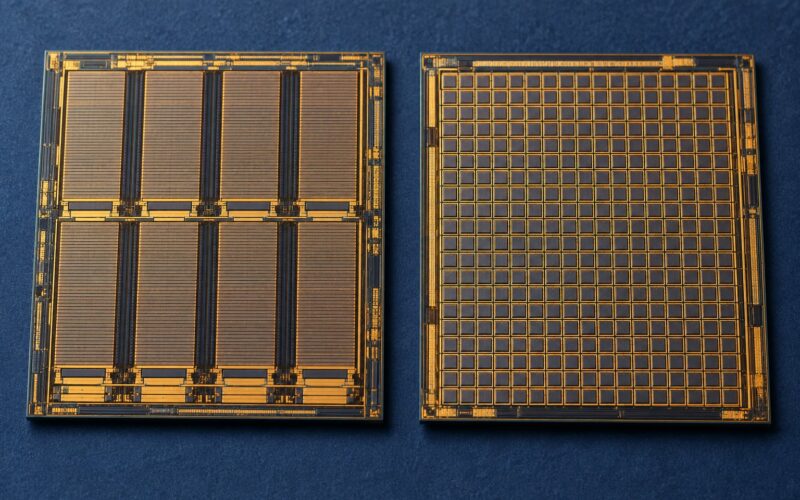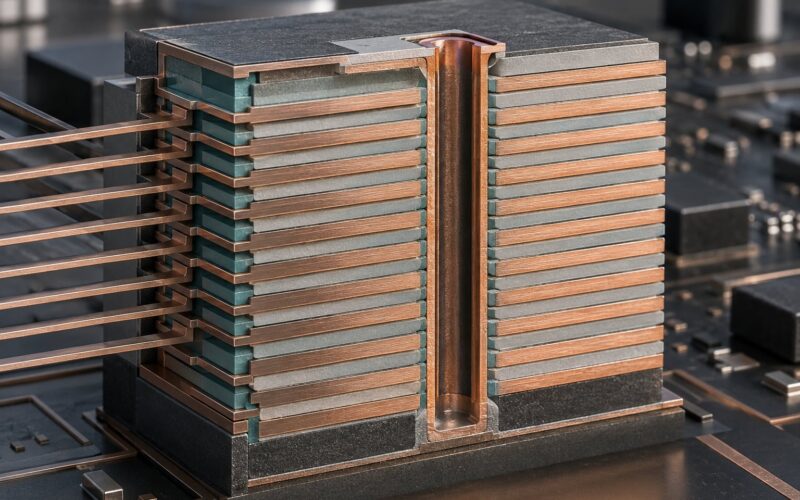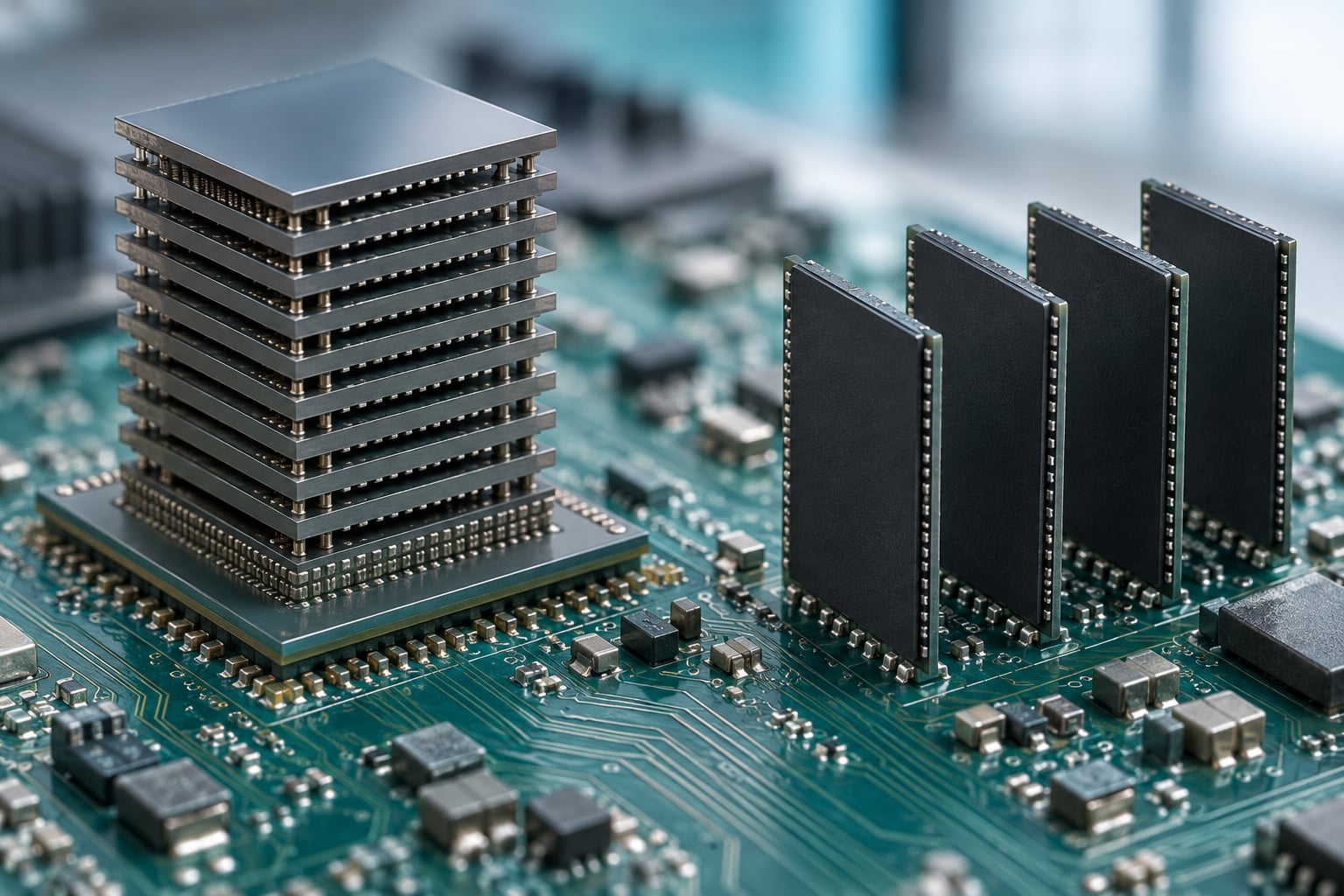
HBM vs GDDR memory comes down to one design decision: whether the memory sits directly on the processor or out on the circuit board. High bandwidth memory stacks DRAM dies vertically on a silicon interposer beside the GPU, giving it a very wide bus and very short signal paths. Graphics double data rate memory sits flat on the PCB around the GPU, reaching similar total bandwidth through fast per-chip signaling instead. HBM wins on bandwidth per watt and processor-adjacent performance, and GDDR wins on capacity per dollar and the ability to grow that capacity in configurations nobody can solder onto an interposer.
I break the architecture, the arithmetic and the tradeoffs below, because most confusion about these two comes from treating bus width and clock speed as interchangeable. They are not, and once you see why the difference stops being mysterious.
Table of Contents
- HBM vs GDDR Memory Explained at a Glance
- What Is HBM Memory?
- What Is GDDR Memory?
- How HBM and GDDR Deliver Bandwidth
- HBM vs GDDR memory bandwidth explained with a worked example
- Why latency matters less than bandwidth for AI
- HBM vs GDDR: Power, Heat, and Packaging
- Power efficiency is the real reason HBM won the data center
- Processor proximity shortens the signal path
- HBM vs GDDR Memory Capacity and Cost
- Which Memory Is Better for AI, Gaming, and PCs?
- Machine learning training and HPC simulations
- Inference and smaller AI workloads
- Gaming graphics
- Laptops, workstations and consumer PCs
- Why don’t PCs use HBM?
- Which Should You Choose?
- Frequently Asked Questions
- Is HBM faster than GDDR memory?
- What is the main difference between HBM and GDDR?
- Why is HBM used in AI accelerators instead of GDDR?
- Can GDDR memory be used for machine learning?
- Is HBM more energy efficient than GDDR?
- Will HBM replace GDDR in gaming PCs?
HBM vs GDDR Memory Explained at a Glance
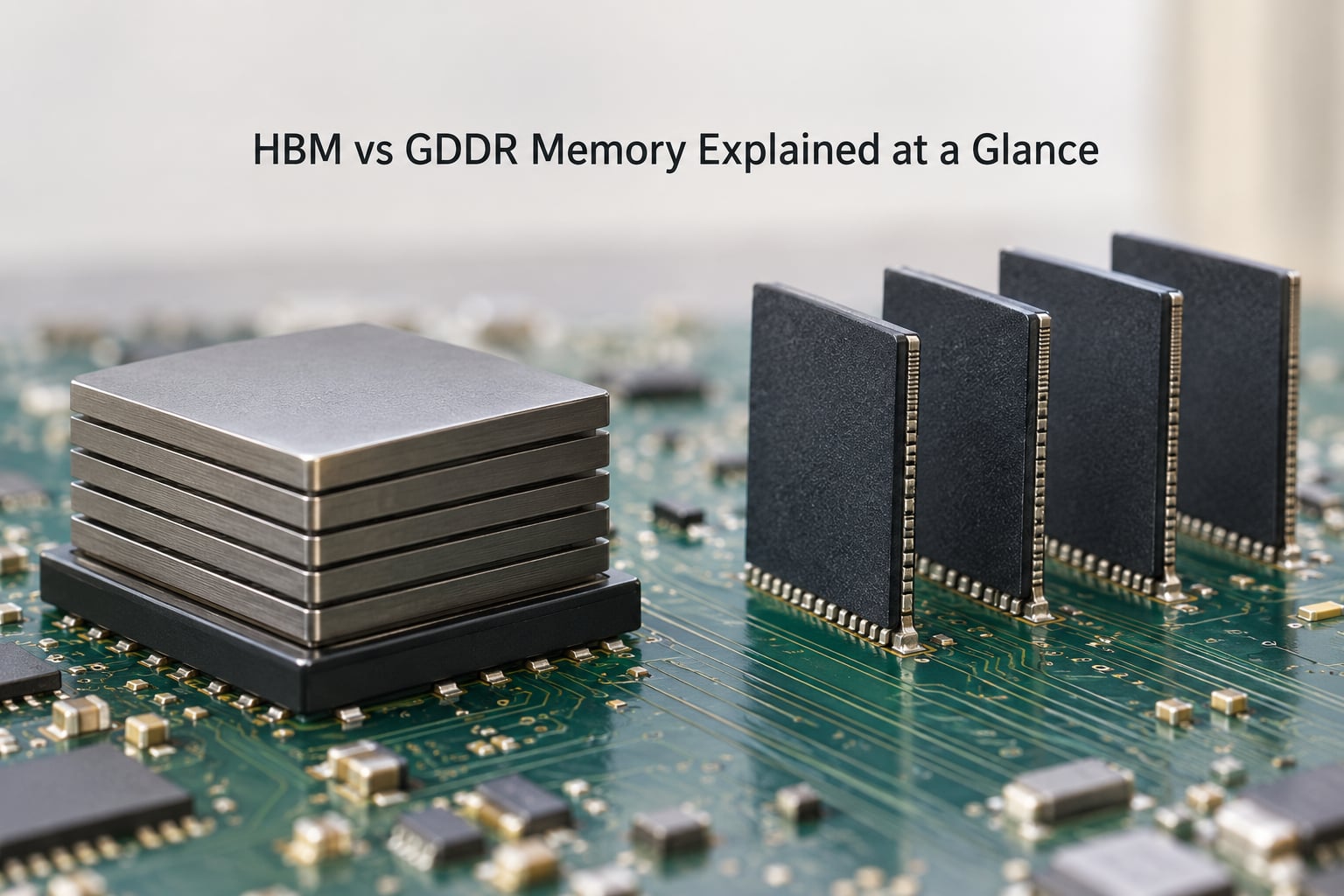
Here is the short version of hbm vs gddr memory explained in one table. HBM is faster to feed a processor and cheaper per transferred bit, at the cost of a fixed packaging process that makes capacity awkward and capacity cost high. GDDR is a commodity DRAM that any board can carry in large amounts, which is exactly why it dominates gaming cards.
| Criterion | HBM | GDDR |
|---|---|---|
| Full name | High Bandwidth Memory | Graphics Double Data Rate |
| Physical layout | DRAM dies stacked vertically | Flat chips soldered to the PCB |
| Bus width per package | 1024 bits per stack | 32 bits per chip, combined on the card |
| Card or package bus | 1024 bits or more via multiple stacks | 384 or 512 bits across 8 to 16 chips |
| Signaling approach | Many low-speed lanes (TSV, interposer) | Fewer fast lanes (PAM4, PAM3) |
| Peak bandwidth per device | About 1.2 TB/s on HBM2, over 3 TB/s on HBM3 | Around 1 TB/s on a fast GDDR6X card |
| Effective latency | Low, despite slow per-pin clocks | Higher, driven by long traces and cycle overhead |
| Power per transferred bit | Low | High, and it scales with active channels |
| Error correction | On-die ECC standard | Typically none on the memory itself |
| Upgradeable after purchase | No | No, but capacity choices are broad |
| Typical home | AI accelerators, HPC nodes, pro workstation GPUs | Gaming GPUs, laptops, mainstream PCs |
What Is HBM Memory?
HBM is DRAM that has been turned on its side and stacked. Each memory die is thinned, drilled with vertical through-silicon vias, and bonded to the die below it. Four to sixteen dies sit in a single stack roughly the footprint of a fingernail, connected down through those vias to a silicon interposer that also carries the GPU or accelerator.
That arrangement buys one huge advantage: a 1024-bit interface per stack. Because the interconnect is so short and dense, HBM does not need aggressive per-pin clock speeds to hit enormous aggregate bandwidth. It moves a lot of data slowly rather than a little data fast, which is the opposite of what GDDR does.
Generations progressed steadily. HBM2 introduced the 1024-bit stack interface we still use, with roughly 1.2 TB/s per stack. HBM2E widened the data rate for about 1.6 to 1.9 TB/s. HBM3 doubled the channels per stack to 16, and multi-stack accelerator packages push past 3 TB/s in total. HBM3E raised per-pin rates again, and 12- and 16-high stacks are now shipping in data center parts.
One consequence is that HBM cannot be bought like a normal memory part. You cannot order an HBM stick and solder it to a board. It exists only as part of a 2.5D package with a processor, which is why it is confined to accelerator and high-end graphics silicon.
What Is GDDR Memory?
GDDR started as graphics DDR memory, a faster, lower-latency relative of the DDR RAM in your desktop. A modern GDDR6 or GDDR6X chip is a flat 32-bit package, and cards place 8 to 16 of them around the GPU. Pairs are wired into 16-bit channels, producing a card-level bus of 384 or 512 bits.
Bandwidth comes from clock speed rather than width. GDDR6X uses PAM4 signaling to move two bits per clock on some lines, hitting data rates above 20 gigatransfers per second per pin, and a 384-bit bus at those rates lands right around 1 TB/s. GDDR7 moves to PAM3 and pushes per-pin rates higher still, which is how the same 384-bit bus keeps climbing past 1.5 TB/s.
GDDR also differs from system DDR in purpose. DDR is built for long streams with lots of capacity. GDDR is built for random access, wide parallel buses and fast refresh behavior, which suits texture fetches, frame buffers and rendering workloads. LPDDR sits in a third category entirely, between the two for power-limited devices.
How HBM and GDDR Deliver Bandwidth
Bandwidth is simple to calculate. Multiply the number of transfers per second per pin by the bus width, divide by eight, and you have gigabytes or terabytes per second. Both memory types run the same formula. The difference is which term carries the weight.
HBM vs GDDR memory bandwidth explained with a worked example
Take a GDDR6X card: about 21 gigatransfers per second per pin across a 384-bit bus. Multiply, divide by eight, and you land near 1008 GB/s from roughly a dozen chips running at multi-gigahertz effective rates.
Now take an HBM3 accelerator package with four stacks, each running about 6.4 gigatransfers per second per pin across 1024 bits. Each stack alone gives about 819 GB/s. Four stacks together clear 3 TB/s, and per-pin rates under 7 GHz. The package moves roughly three times the data of the gaming card while its memory pins run at a third of the speed.
That is the whole story of these two technologies in one comparison. HBM spends silicon area on width, GDDR spends it on speed.
Why latency matters less than bandwidth for AI
Latency is the delay for a single access, and in nanoseconds the two types look less different than their bus widths suggest. HBM’s short paths offset its slower clocks, so a well-tuned HBM access can return data faster than a long PCB trace driven at high frequency.
What matters more is how many accesses can be outstanding at once. AI training moves model parameters and activation tensors in enormous, parallel, streaming patterns that a wide interface can feed. Under that access pattern, throughput saturates and latency stops being the constraint. For a single dependent fetch, or a small working set that fits in cache, the difference all but disappears.
HBM vs GDDR: Power, Heat, and Packaging
The power story is not simply about total watts. It is about energy per transferred byte, and that number is what decides whether a data center can run a cluster.
Power efficiency is the real reason HBM won the data center
An HBM stack is a comparatively small block of silicon, so driving it at modest rates costs little. A GDDR chip, by contrast, sits at the far end of long, fast, impedance-controlled traces on the PCB, and keeping those links clean at 20-plus gigatransfers per second is a power-hungry job. A single GDDR6X chip can draw more power than an entire HBM stack.
Multiply that across a 12-chip board and the memory system becomes one of the largest loads in the system. When a training run spends most of its time waiting on data rather than computing, the accelerator core is idle and still burning watts, which is the worst possible outcome for a rack limited by power rather than space.
Processor proximity shortens the signal path
Physical placement is the other half of the thermal story. HBM sits within a couple of millimeters of the processor die, on a silicon interposer, with signal lengths measured in millimeters. GDDR chips sit centimeters away across the board, on the far side of connectors and power planes.
Short paths mean lower signal voltage, less switching loss and easier impedance control, and they leave HBM packages small enough to cool with the same cold plate or air flow that handles the processor. Long paths cost more power and add signal integrity work. The trade is not free on the packaging side: stacking dies adds yield risk, warpage concerns and the extra assembly steps of 2.5D packaging, and a single defect in any die of a stack can cost the whole package.
HBM vs GDDR Memory Capacity and Cost
Capacity is where GDDR pulls decisively ahead, and it is worth separating two questions people conflate. How much memory fits, and what does each gigabyte cost?
A gaming card with 32 GB of GDDR7 sits on a normal-length PCB with room to spare, and board makers have shipped cards far beyond that. An HBM accelerator carries its memory inside the package, so every additional gigabyte means another stack or a taller stack, which means a bigger interposer, more advanced packaging and a lower yield per package.
Cost follows that structure. GDDR is a high-volume commodity produced in enormous quantities, so cost per gigabyte tracks general DRAM pricing. HBM carries fixed costs from the interposer, the fine-pitch bonding and the lower assembly yield, and those costs land on every unit whether the customer orders one or ten thousand. The result is that GDDR delivers memory capacity far more cheaply per gigabyte, while HBM delivers bandwidth far more cheaply per bit moved.
This is also why bandwidth is not capacity. A package can have three times the bandwidth of a gaming card and a third of its memory. If your working set does not fit, no amount of bandwidth rescues the run. Neither type is upgradeable after purchase in any meaningful sense: GDDR is soldered to the board, and HBM is soldered to the interposer. The difference is that GDDR capacity is available in many configurations at many price points, while HBM capacity is whatever the accelerator vendor decided to package.
Which Memory Is Better for AI, Gaming, and PCs?
Match the memory to the shape of the workload rather than to the marketing label.
Machine learning training and HPC simulations
Large model training, scientific computing and fluid dynamics all move data continuously and prefer throughput over capacity. These workloads take HBM, and they take accelerators that pair several stacks for aggregate bandwidth. The interconnect between accelerators matters just as much: GPU-to-GPU links need the memory beside the compute to feed them, which is one reason HBM shows up in cluster-scale training systems.
Inference and smaller AI workloads
Inference on a fixed, smaller model is a different problem. A workstation card with plenty of GDDR6 handles modest training runs and many inference tasks perfectly well, because the model fits in memory and the workload is not bandwidth-starved. Media-heavy inference on consumer cards is the same story. Most applications never push GDDR to its bandwidth ceiling.
Gaming graphics
Gaming is a VRAM story, and VRAM on consumer cards is GDDR, not HBM. Frame buffers want gigabytes cheaply, and 4K rendering plus texture streaming wants capacity far more than it wants raw bandwidth. GDDR7 with a 384-bit bus suits this perfectly.
Laptops, workstations and consumer PCs
Laptops and desktops use LPDDR and DDR rather than either type in this comparison. Professional workstation GPUs, on the other hand, split: render-oriented cards use GDDR6 for capacity, while visualization and compute cards use HBM for bandwidth.
Why don’t PCs use HBM?
Four reasons, and they compound. First, HBM is only sold integrated inside a processor package, so it cannot appear as a separate upgradeable component in a desktop. Second, the packaging process is expensive and low-yield compared with assembling a normal graphics board. Third, capacity is fixed at purchase, which breaks the upgrade culture PC buyers expect. Fourth, graphics memory buyers prioritize gigabytes per dollar, and HBM is priced for bandwidth instead. Until consumer parts need bandwidth that only HBM can supply at a sensible power budget, the economics keep GDDR in the box.
Which Should You Choose?
Six questions, in order, settle it.
- Is your workload bandwidth-bound or capacity-bound? Bandwidth-bound means tensor-heavy training, HPC or bandwidth-limited inference, which points to HBM. Capacity-bound means large models, big scenes or high-resolution textures, which points to GDDR.
- Do you need the memory on the same package as the compute? Cluster training and tight GPU-to-GPU interconnects effectively require HBM.
- What is your power budget per unit of throughput? If you are filling a rack, HBM’s better energy per transferred byte usually wins over time.
- How much memory do you need, and can you afford that much memory in the HBM configuration? Check the working set, not the marketing capacity.
- Do you need upgrade flexibility after purchase? If yes, GDDR in a card with more options is the only realistic answer today.
- Is the software stack validated for your part? Optimized kernels for a new HBM generation take time to appear, and a faster memory type can lose to a tuned one.
If your mix spans both worlds, the honest answer is that accelerators take HBM and everything else takes GDDR. Run training where bandwidth matters and inference or interactive work where capacity and price matter, rather than trying to find one memory type that serves both.
Frequently Asked Questions
Is HBM faster than GDDR memory?
It depends on the metric. HBM delivers far more aggregate bandwidth and much lower latency per access, especially in multi-stack accelerator packages. A single GDDR6X card reaches roughly 1 TB/s, while a four-stack HBM3 accelerator exceeds 3 TB/s. Per-chip clock speed goes the other way: GDDR chips run at much higher per-pin rates than HBM stacks.
What is the main difference between HBM and GDDR?
HBM stacks DRAM dies vertically with through-silicon vias on a silicon interposer beside the processor, using a very wide 1024-bit interface per stack. GDDR places flat 32-bit chips on the circuit board around the GPU and combines them into a 384 or 512-bit bus driven at high clock speed. HBM optimizes for bandwidth per watt, GDDR for capacity per dollar.
Why is HBM used in AI accelerators instead of GDDR?
AI training streams weights and activations continuously, so it needs wide bandwidth and the energy efficiency to sustain it inside a power-limited rack. HBM’s short paths on the interposer deliver that, and it also feeds high-speed GPU-to-GPU links in clusters. GDDR’s long PCB traces burn more power per byte and scale badly when every accelerator needs maximum throughput.
Can GDDR memory be used for machine learning?
Yes, and most machine learning runs on GDDR today. Consumer and professional graphics cards with GDDR6 or GDDR7 handle inference, fine-tuning and small to medium training jobs well. You move to HBM when the model or dataset makes the workload bandwidth-bound, or when you are building accelerators that need maximum throughput per watt and capacity inside the package.
Is HBM more energy efficient than GDDR?
Yes, per transferred byte, which is how it is normally measured. HBM’s short interconnect means lower signal voltage and lower switching loss, and an entire HBM stack often draws less than a single GDDR6X chip. Total system power still depends on the accelerator beside it, but per unit of delivered throughput HBM leaves less heat and consumes less rack capacity.
Will HBM replace GDDR in gaming PCs?
Not soon. Gaming needs cheap, high-capacity video memory for frame buffers and textures rather than maximum bandwidth, and GDDR delivers that more economically today. HBM also cannot be sold as a separate upgrade, which conflicts with how PC buyers expect memory to work. Expect the two to keep separate roles, with specialized high-end graphics cards as the only overlap.
Start by measuring your workload instead of picking a memory type first. Run your actual model or scene, check whether it is waiting on data, and look at how much memory it needs. If it is bandwidth-bound and power-limited, HBM is the answer. If it is capacity-bound and you want options, GDDR wins, and no amount of extra bandwidth will change that.