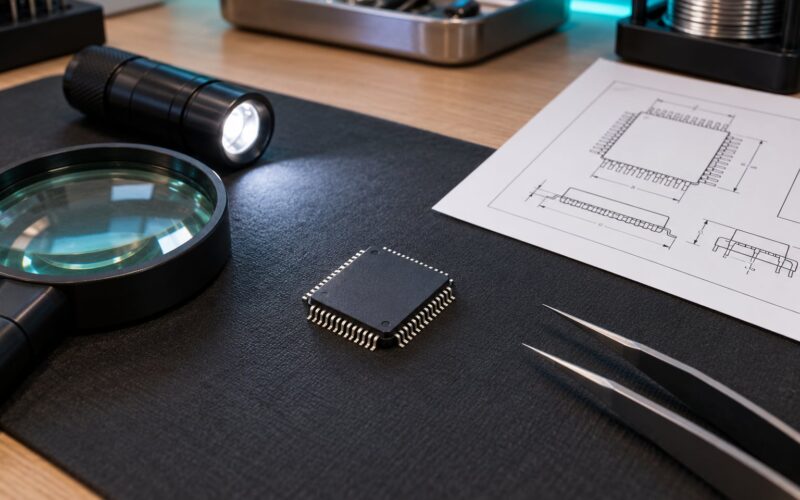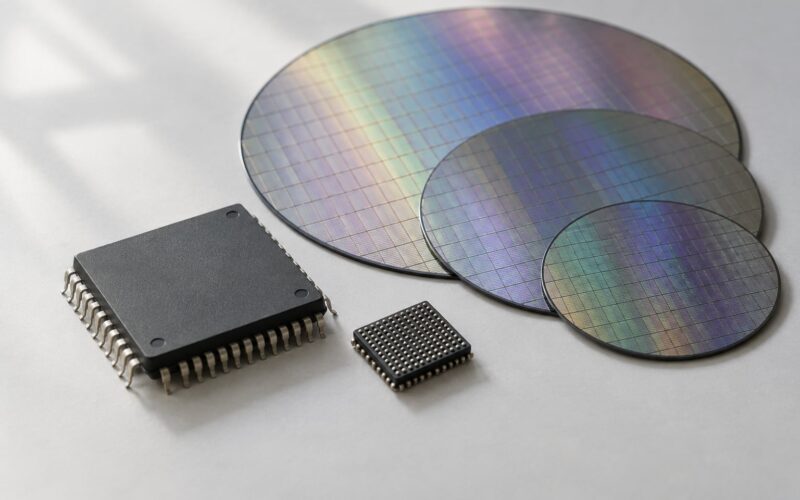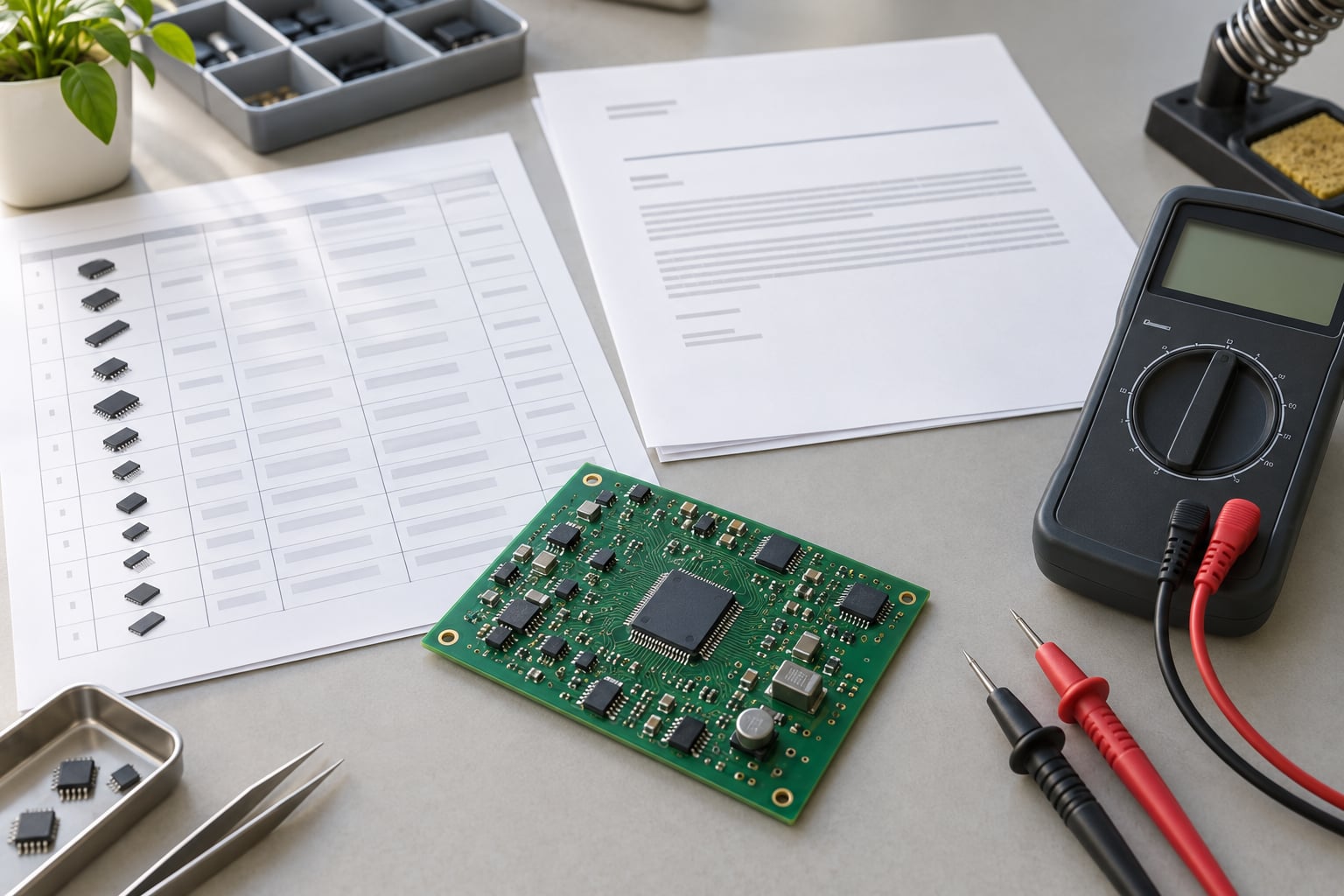
Handling end of life components starts the day a product change notification lands, not the day a purchase order fails. The safe sequence is short: confirm the notice and its deadline, score how much the part matters to your product, secure enough authentic material to cover the product’s real service life, qualify a replacement, and record the decision under formal change control. Skip a step and you get one of three outcomes — a production line that stops shipping, a board that fails in the field, or a certification cycle that costs far more than the part ever did. If you have never run one of these projects, the order of those steps below is the whole answer.
For a commodity resistor the whole job takes a week. For a qualified analog device or microcontroller in a medical, defence or energy product it can run a year, and the schedule is dominated by paperwork rather than by finding silicon. Engineers posting on r/embedded describe second-source hunting as routine and ad hoc, driven by a purchasing contact’s phone calls rather than any documented process. That is the gap this guide closes. Below is the procedure I would hand to a new hardware engineer on their first obsolescence project, with the storage and counterfeit-sourcing questions that most vendor pages skip.
Table of Contents
- What You Need
- Step-by-Step
- 1. Confirm the End-of-Life Status and Deadline
- 2. Map the Component’s Critical Functions
- 3. Assess Supply and Design Risk
- 4. Find and Qualify Replacement Parts
- 5. Review the Change with Cross-Functional Teams
- 6. Validate the Replacement Before Production Release
- 7. Update Documentation and Control Future Changes
- How Long Can End-of-Life Components Be Stored?
- Common Mistakes
- Frequently Asked Questions
- What is EOL in electronics?
- What is the difference between EOL and obsolete components?
- How long can end of life electronic components be stored?
- How do I know if a component is discontinued?
- What does a last time buy mean in electronics?
- Can I use NRND parts in a new design?
- Conclusion
What You Need

Most obsolescence projects stall because somebody starts at the datasheet and works backwards. Gather the inputs first, in this order, and the actual engineering decision gets much shorter.
Your released bill of materials, at the exact design revision. Not a marketing BOM pulled from a spreadsheet three revisions ago. You need manufacturer part numbers, footprints, quantities per assembly, approved alternates already on file, and whether the part is single-sourced.
Primary manufacturer documentation. The product change or discontinuation notice, the datasheet and its revision history, errata sheets, the package drawing, and the manufacturer’s published lifecycle status. Secondary summaries paraphrase; the notice states the last-time-buy date in the manufacturer’s own words.
A demand forecast tied to the product, not to the quarter. How many units you will build, how many are already in the field, and how many years of service you owe them. Industrial control, medical and defence products commonly stay in service 15 to 30 years while the average integrated circuit has a commercial life under two.
Test capability. Schematic review capacity, simulation models for the new part, bench bring-up hardware, environmental and thermal cycling, and the ability to run your production test program. A substitution you cannot test is a hope, not a change.
A cross-functional approval list with names. Design engineering, component engineering, procurement, manufacturing/test, quality, regulatory affairs, and field service. Know who signs, because a substitution that skips regulatory affairs can invalidate an approval months later.
A change control system that actually issues revisions. If a component swap cannot produce a traceable engineering change notice with a revision level, an approver, and an effective date, the organisation has no obsolescence management at all — only a habit.
Step-by-Step
1. Confirm the End-of-Life Status and Deadline

End of life (EOL) is a manufacturer’s formal notice that a part will be discontinued and will not be replenished, usually with a stated last-time-buy date. Obsolete is the stage after that, where the part is no longer manufactured or supported at all. Verify the exact status, the affected part numbers (a family EOL often covers variants you did not realise you used), the order deadline, and any changes to package, temperature grade or quality process. Then read for the quiet killers: a die revision that changes electrical limits, a lead-free finish change, a shortened temperature rating, or a fab move that shifts test coverage.
| Lifecycle status | What it means | What you do |
|---|---|---|
| Active | In production, fully supported, orders normally accepted. | Monitor, and qualify a second source if the part is single-sourced. |
| NRND | Not Recommended for New Design. Still orderable, may eventually end. | Use in existing designs, pull it out of new ones, plan a substitute now. |
| EOL | Discontinuation announced, final orders accepted to a deadline. | Decide between a last-time buy and a redesign. This is the window that matters. |
| Obsolete | No manufacture, no support, no normal channel supply. | Substitute, redesign, or sustain from stored inventory and service spares. |
The single most useful field on the notice is the order deadline, and the second is how much notice you actually got. Manufacturers typically give 3 to 12 months. Under three, you are already in triage.
2. Map the Component’s Critical Functions
Write down what the part actually does before you look for anything else. Electrical: regulation thresholds, bias currents, conversion accuracy, drive strength. Timing: power-on reset, brown-out behaviour, clock accuracy, propagation delay margins. Mechanical: package outline, pinout, land pattern, thermal pad, height clearance for the enclosure. Thermal: power dissipation at worst case and ambient, junction limits, the copper you were counting on. Safety and regulatory: anything feeding an isolation barrier, a protective-earth path, a high-voltage measurement, or a medical safety limit.
Then record the tolerances that must not move. A 40 mV difference in a reference, a 200 ns shift in a control loop, or a 0.5 mm taller package can each be a full redesign even when the parts look interchangeable on paper. Software counts too: register maps, driver assumptions, calibration constants and bootloader behaviour are part of the part’s contract even though they live in firmware.
3. Assess Supply and Design Risk
Score the part on four axes — technology maturity, supplier posture, demand profile, and lifecycle indicators — and put it in a bucket. This is the matrix most component teams already use informally; writing it down is what turns opinion into a resourcing decision.
| Rating | Typical profile | Response |
|---|---|---|
| Green | Multiple manufacturers, high-volume mature process, healthy lifecycle status, wide distribution. | Leave in a lifecycle monitoring tool and re-review annually. |
| Amber | Single source, mature node, long field life, or a supplier announcing a plant transition. | Qualify a second source now, build a transition plan, watch every PCN. |
| Red | EOL or NRND notice received, single-sourced, qualified in a regulated or safety product. | Open a change request, place a last-time buy, and start substitution work immediately. |
Layer on the consequences rather than the odds. Ask what happens if the part is unavailable for twelve months, and separately what happens if a bad lot reaches the field: a stopped line is expensive and visible, a field failure on a 400-unit medical tool with a two-year calibration cycle is worse. Include existing inventory in the calculation honestly — inventory you cannot reflow or that has lost moisture tolerance is not available, it is a separate problem with a separate fix, and how to handle end of life components properly starts with being blunt about that split.
4. Find and Qualify Replacement Parts
Work down this list and stop at the first option that passes. A true pin-compatible part from an authorised manufacturer is fastest and safest. A form, fit and function substitute from another vendor needs real testing. A same-family device in a different package or grade forces a board change but rarely a re-qualification. A full redesign is last, and it is the correct answer more often than teams expect when the original part was a mature analog or MCU rather than a cutting-edge accelerator.
| Option | Relative effort | Re-certification impact | Best fit |
|---|---|---|---|
| Last-time buy | Low effort, large cash and storage commitment. | None if the part is unchanged and traceable. | Mature parts, long forecast visibility, non-regulated builds. |
| Pin-compatible or form-fit-function substitute | Moderate: schematic review, simulation, bench and environmental testing. | Usually a documentation review; full re-approval if safety-related parameters shift. | Standard logic, interface controllers, regulators, analog in non-safety circuits. |
| Board redesign around a different part | High: layout, thermal, firmware, tooling and test changes. | Likely triggers design-control and regulatory re-review. | Regulated products, obsolete microcontrollers, parts with no electrical equivalent. |
| Authorised remanufacture or reclamation | Moderate to high, depends on traceability evidence. | Case by case; difficult to justify in a safety-critical chain. | Field service spares, prototype and low-volume builds, hard-to-source passives. |
Being honest about when not to do a last-time buy is part of the skill. If the remaining demand is uncertain, the part is cheap, the storage environment is uncontrolled, or the technology is aging anyway, buying five years of inventory can cost more than designing around the gap.
5. Review the Change with Cross-Functional Teams
Run a formal review rather than emailing a schematic around. Design engineering owns electrical and firmware equivalence. Component engineering owns supplier assessment, lifecycle data and the AVL entry. Procurement owns supply continuity, authorised-channel sourcing and the purchase terms. Manufacturing and test own the reflow profile, moisture handling, test program coverage and the first-article builds. Quality and regulatory affairs own change control, traceability and the re-approval decision. Field service owns spares and repair documentation.
Decide explicitly who owns obsolescence after the change ships. In most organisations it drifts to nobody, and the same part is rediscovered as a surprise two years later. Assign a named owner per part family and put it in the BOM review cadence.
6. Validate the Replacement Before Production Release
Nobody closes an obsolescence change on a datasheet match. The minimum evidence set: schematic and layout review against the pinout and land pattern; simulation at the corners of the supply, temperature and load range; bench bring-up on real hardware; thermal measurement at worst case; functional test of every affected peripheral, including brown-out and power-on reset behaviour if the part is a regulator or microcontroller; and a run of the production test program to confirm coverage still detects defects.
Write pass criteria before the testing starts, not after. Typical ones: output accuracy within the original specification at 25 degrees C and at both temperature extremes, no new failure mode in 500 thermal cycles, pass rate on the production test at or above the pre-change baseline, and firmware unchanged or formally updated and regression tested. For medical and safety-related parts add the design-control artefact: hazard analysis, verification and validation records, and the regulatory assessment of whether the change is significant.
7. Update Documentation and Control Future Changes
Close the loop in the same release. Update the BOM to the new revision and the new manufacturer part number. Update schematics and the assembly drawings. Update firmware references, register maps and calibration data if applicable. Update the test procedure and fixtures, and retire any test steps that only existed for the old part. Add the new manufacturer to the approved vendor list with the qualification evidence attached, and the old one with a status of do-not-order. File the EOL notice, the review minutes, the test report and the approval signatures as a package. Bump the revision history with a one-line reason so the next engineer can read the decision without reconstructing it.
Then set up monitoring so the next notice is not a surprise. Upload the BOM to a lifecycle database that issues alerts on NRND, last-time-buy and obsolete transitions, subscribe to the manufacturer product change notification list, and set the approved vendor list to review quarterly. For products with a 20-year field life, annual review is not excessive — it is the minimum.
How Long Can End-of-Life Components Be Stored?
Properly packed and stored, many end of life electronic components stay usable for years, but the limit comes from the package, not the date on the notice. The practical controls are temperature, humidity and solderability. Most suppliers specify 40 degrees C and 85 percent relative humidity as the baseline storage condition, and a bake-and-dry or nitrogen-purged cabinet is the tool for anything sensitive. A moisture-sensitive device with a defined MSL has a floor life once it leaves the dry pack — commonly a few weeks to a few months at ambient — and after that it needs baking and a re-pack before it goes back on a reflow profile. Rotate on a first-in, first-out basis, log the dates, and re-test solderability with a tinability or wetting test on older inventory rather than discovering the answer at the pick-and-place. Solderability, not age, is what stops a line.
Common Mistakes
Treating a datasheet match as a qualification. Two parts can share a footprint, a pinout and a headline specification and still differ in brown-out threshold, output impedance, noise, or reference accuracy where your circuit actually depends on it. Fix: require a written equivalence assessment per parameter your design relies on, plus bench and environmental data, before the change request closes.
Ignoring package, grade and process changes inside an EOL family. The last builds of a discontinued part are often a different die revision or a different assembly plant, and the change is buried in a revision-history note. Fix: check the datasheet revision history, package drawing and any assembly or material-change notices before you commit to a last-time buy.
Failing to test the worst corner. Teams test at the bench, at room temperature, on a good board, and ship. The failures arrive at 60 degrees C, at minimum input voltage, with a marginal crystal, or at end of battery life. Fix: test the corners of the operating envelope and the transition behaviours, not the nominal case.
Changing the part without configuration control. Substituting at the purchasing level, from a quote and a photograph, leaves no revision, no approval, and no record of what is actually inside the units you shipped. Fix: no part enters the BOM without an engineering change notice and a signed approval.
Trusting informal inventory commitments. A broker’s promise that there are “plenty on the shelf”, or a spreadsheet showing inventory with no storage records, is not a supply plan. Fix: require volume, date codes, storage history, traceability documentation, and a purchase order with NCNR terms spelled out — noncancelable and nonreturnable, which means the risk sits with you.
Buying engineering samples and pre-production parts. Builders on r/embedded warn specifically about unlabelled pre-production and engineering-sample parts being liquidated into distribution channels. They carry no warranty, no traceability, and often no agreed test coverage. Fix: buy only through authorised manufacturers or franchised distributors, and refuse parts with no date code or manufacturer CoC.
Stopping at the end of the EOL project. The swap ships, nobody schedules the next review, and the next two parts on the same board go unnoticed. Fix: put the part family into the quarterly lifecycle review and let alerts drive the next cycle rather than memory.
Frequently Asked Questions
What is EOL in electronics?
End of life (EOL) is a manufacturer’s formal notice that a component will be discontinued and will not be replenished. The notice normally states a last-time-buy order deadline, the affected part numbers, and any changes to package, temperature grade or assembly process. EOL is the stage where you can still buy material, usually for a few months, and is the point at which a last-time buy or a substitution plan has to start.
What is the difference between EOL and obsolete components?
EOL is the announced discontinuation stage: manufacturing is ending but final orders are still accepted to a stated deadline, and the part may still be supported. Obsolete is the stage after that, where the part is no longer manufactured, no longer sold through normal channels, and no longer supported. In practice EOL is your buying window, and obsolete is the problem you have to solve with a substitute, a redesign, stored inventory or remanufacture.
How long can end of life electronic components be stored?
Years, if they are stored properly, but age is not the real limit — solderability is. How to handle end of life components you already own is mostly a storage problem: most suppliers specify 40 degrees C and 85 percent relative humidity as the baseline, and moisture-sensitive parts need dry cabinets or nitrogen purging once they leave the dry pack. A part past its floor life must be baked and re-packed before reflow. Rotate on a first-in, first-out basis and tinability-test older inventory before you rely on it.
How do I know if a component is discontinued?
Check the manufacturer’s own lifecycle status, which every major vendor publishes for each part, and cross-reference a lifecycle database that tracks NRND, last-time-buy and obsolete transitions. Watch the manufacturer product change notification distribution for your parts, and run a periodic risk score across the bill of materials covering technology maturity, supplier posture, demand profile and lifecycle indicators. Do not rely on a distributor’s website alone — it lags the manufacturer notice.
What does a last time buy mean in electronics?
A last-time buy is your final opportunity to order a part before the manufacturer closes the line, and it is normally a large noncancelable, nonreturnable commitment. Size it from the remaining production forecast plus the number of units already in the field, plus a buffer for repair spares and yield loss. Buy too little and you stop shipping; buy too much and you carry years of inventory that ages, ties up cash, and can lose solderability.
Can I use NRND parts in a new design?
You can, but you are accepting a known clock. NRND means not recommended for new design: the part is still in production and orderable, so an existing design can rely on it, but the manufacturer has signalled that new demand should not be added. For a new design, qualify an alternative in parallel and keep the NRND part as a short-term bridge. It is a poor choice for any product with a long field-service life.
Conclusion
Here is the whole procedure in one pass. Confirm the notice and read the order deadline. Score how critical the part is to the product’s safety, certification and service life. Protect supply for as long as the product ships, buying only authentic material through authorised channels. Qualify a replacement rather than assuming one exists, and test it at the corners with written pass criteria. Then record the decision as a released engineering change, with the approvals, the test evidence and a monitoring owner attached.
If you only do one thing, put the bill of materials into a lifecycle monitoring tool and read the alerts. How to handle end of life components is far cheaper as a quarterly habit than it ever is as an emergency.